
What it is
One app, drawn as a graph — by you, by Claude, or both
No separate frontend, backend and glue. One project on your machine, as plain files you can put in git. Pages, logic, data and a backend are nodes you wire together, and the app runs beside the canvas as you work.
What you draw is what runs
Place a node, wire it up, and watch the preview change. There is no build step between the canvas and the running app, and every part of it can be clicked and read.
Claude builds in the same project
NodeGX comes with its own MCP servers, so Claude Code can create a project, build its pages and check they render. Every change it makes is checked before it is saved, and it can run your app and find out why something is empty. You can open the graph and see exactly what it built.
Yours, offline, open source
A desktop app for macOS, Windows and Linux, licensed GPL-3.0. Your project is files on your disk. NodeGX is a fork of Noodl, continued by The Low Code Foundation after the original was discontinued.
Connecting Claude is one click: press Connect Claude Code in the launcher. Never built an app before? Start here — seven plain steps.
New · on npm
Start a NodeGX app from your terminal
One command sets a folder up for your AI coding assistant. Open Claude Code in that folder and say what you want to build. Your assistant plans the app with you, then builds it as a NodeGX project that you can also open in the editor.
$ npm create nodegx my-apps
$ cd my-apps
$ claude
Six packages, all on npm
Gets a folder ready for your AI coding assistant to build NodeGX apps.
View on npm → For your assistant @nodegx/The NodeGX server. Any assistant that speaks MCP can use it to make and check apps.
View on npm → See it running @nodegx/Runs your app in the browser and reloads it whenever its files change.
View on npm → Build your own editor @nodegx/What every NodeGX node does, written so a program can run it and test against it.
View on npm → Build your own editor @nodegx/The project file format, its validator, and a test suite that checks any editor against it.
View on npm → Build your own editor @nodegx/The colours and sizes of the NodeGX canvas, for an editor that wants to look like NodeGX.
View on npm →Coming soon: a guide your AI coding assistant can follow to build you an editor like Orbit, made for the way you work.
Demos · running now
Try an app before you download anything
Every one of these is a whole NodeGX app, published with the product’s own deploy and running in your browser. No account, no install — open one and use it.
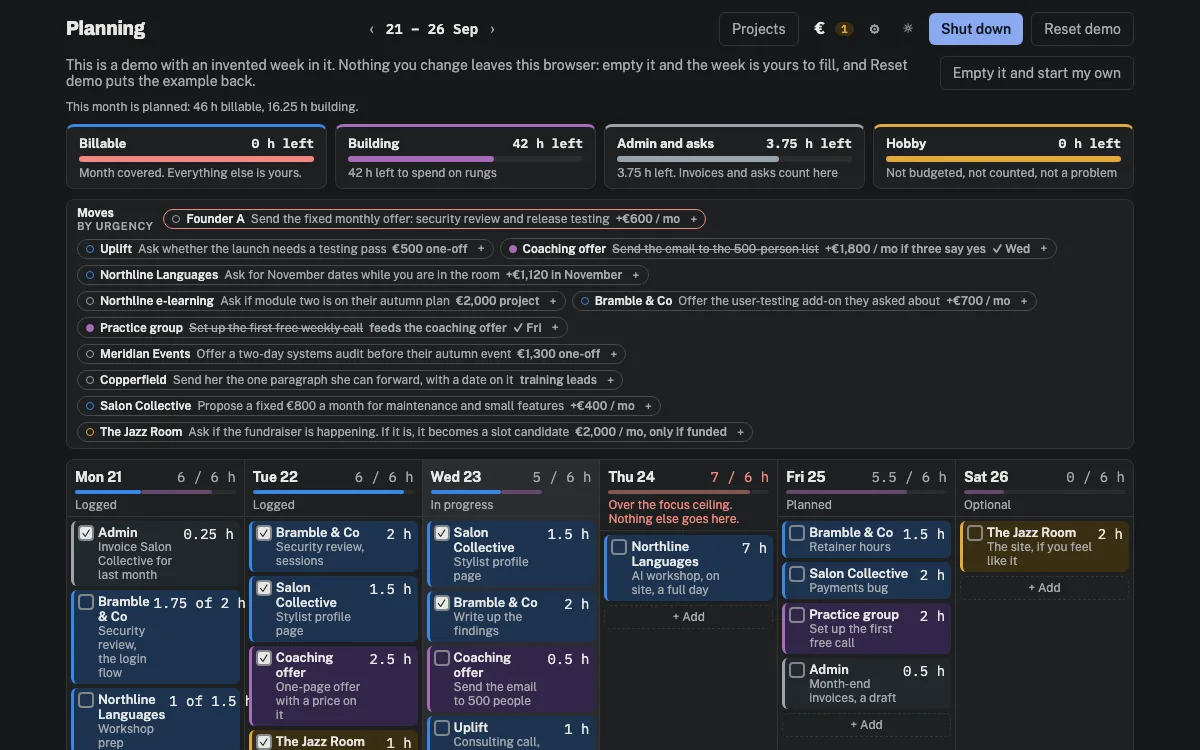
Planning
A week for people who bill by the hour: what the month has to earn, how many hours a day that is from here, and what the ceiling leaves over for the work that pays later. The demo keeps the week in your browser.
Open the demo →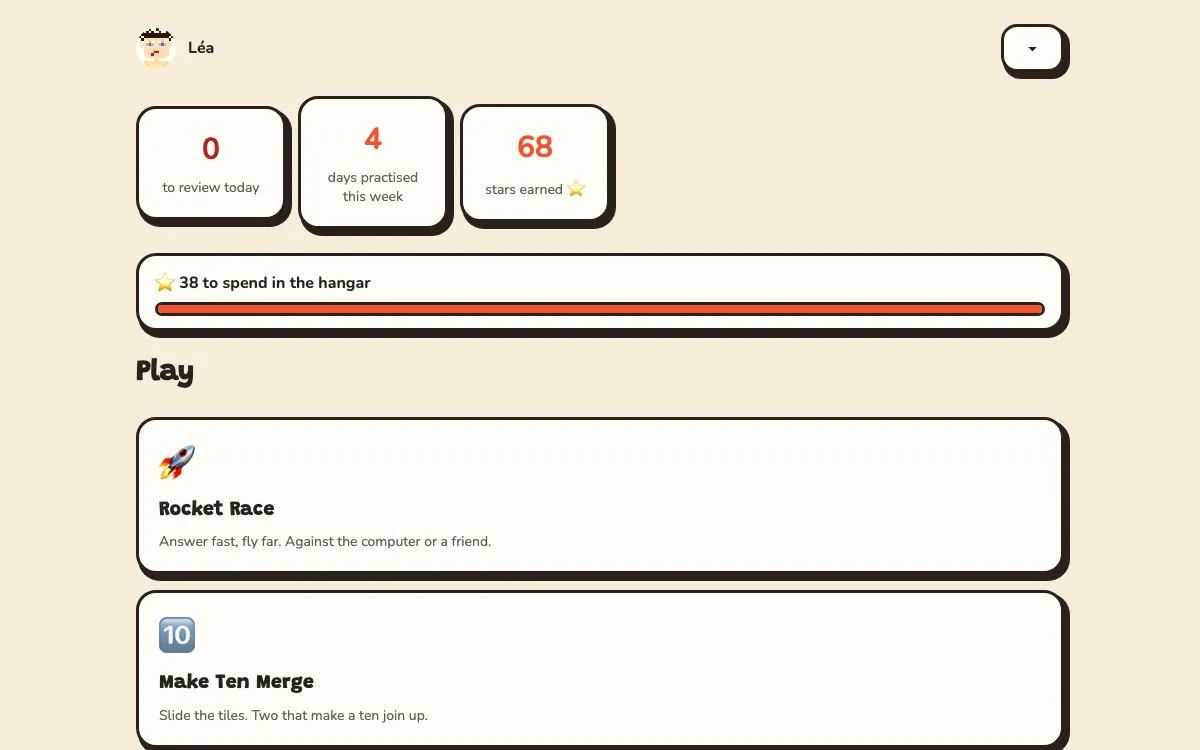
Rocket School
Maths and typing practice in English and French. Make a player and race the computer to the planet — 62 skills from CE2 to 6e, and progress kept in your browser.
Play the demo →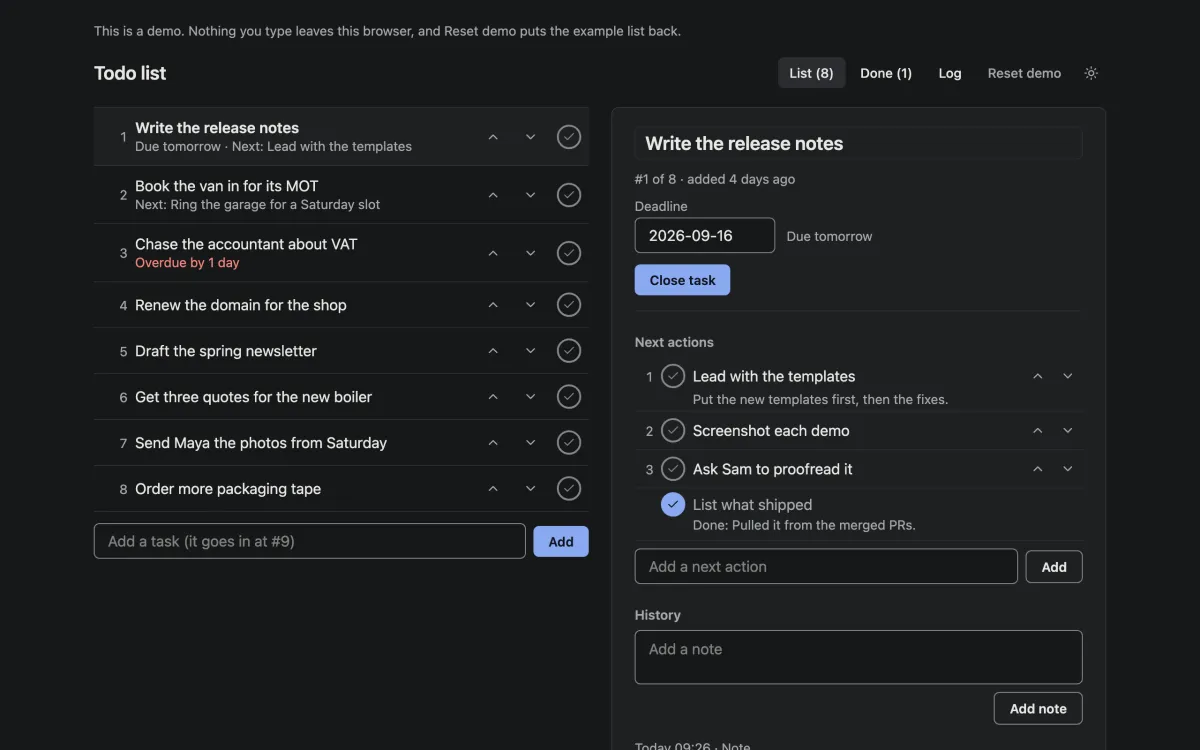
Todo list
One list, in the order you will do things. Nothing is deleted — you close a task by writing what happened. The demo keeps the list in your browser; the template keeps it in the NodeGX backend.
Open the demo →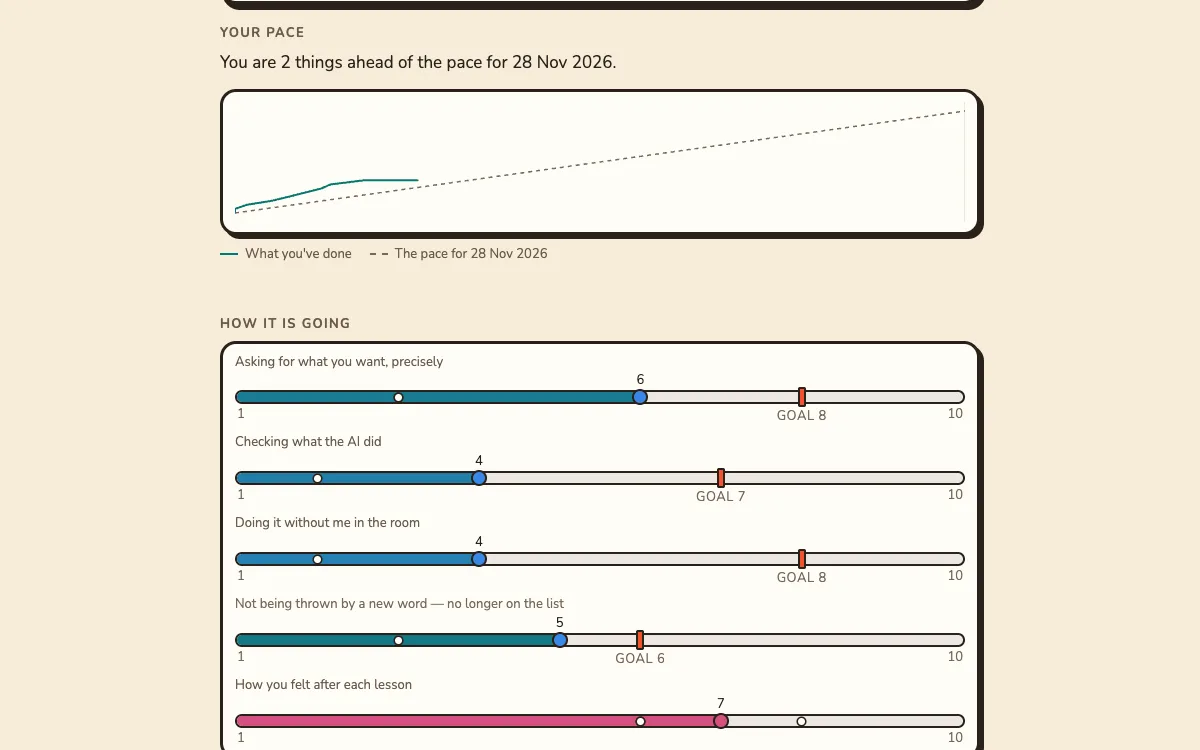
Digital Bricks Training
A coached course where the learner’s own project is the curriculum. Look at one programme from both sides — the learner’s and their trainer’s. Its dates follow today, so it is always mid-programme.
Open the demo →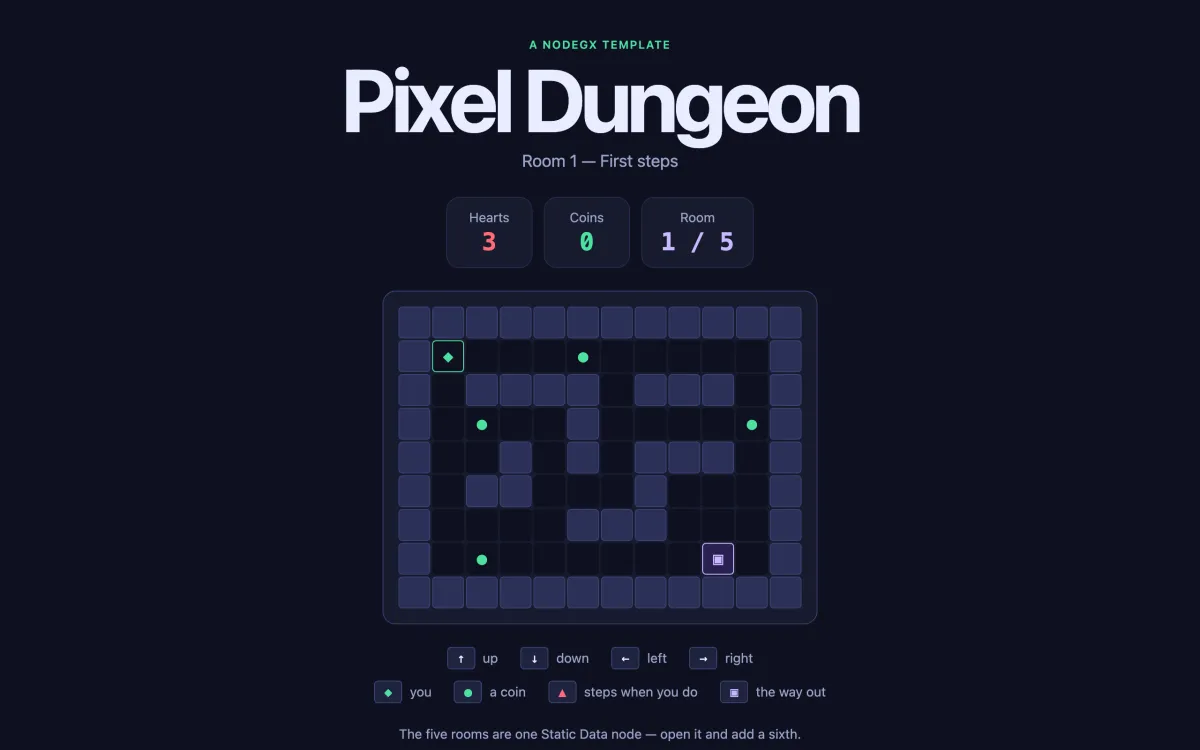
Pixel dungeon
A turn-based dungeon played with the arrow keys. The five rooms are one list in one node — add a sixth entry and it is in the game.
Play the demo →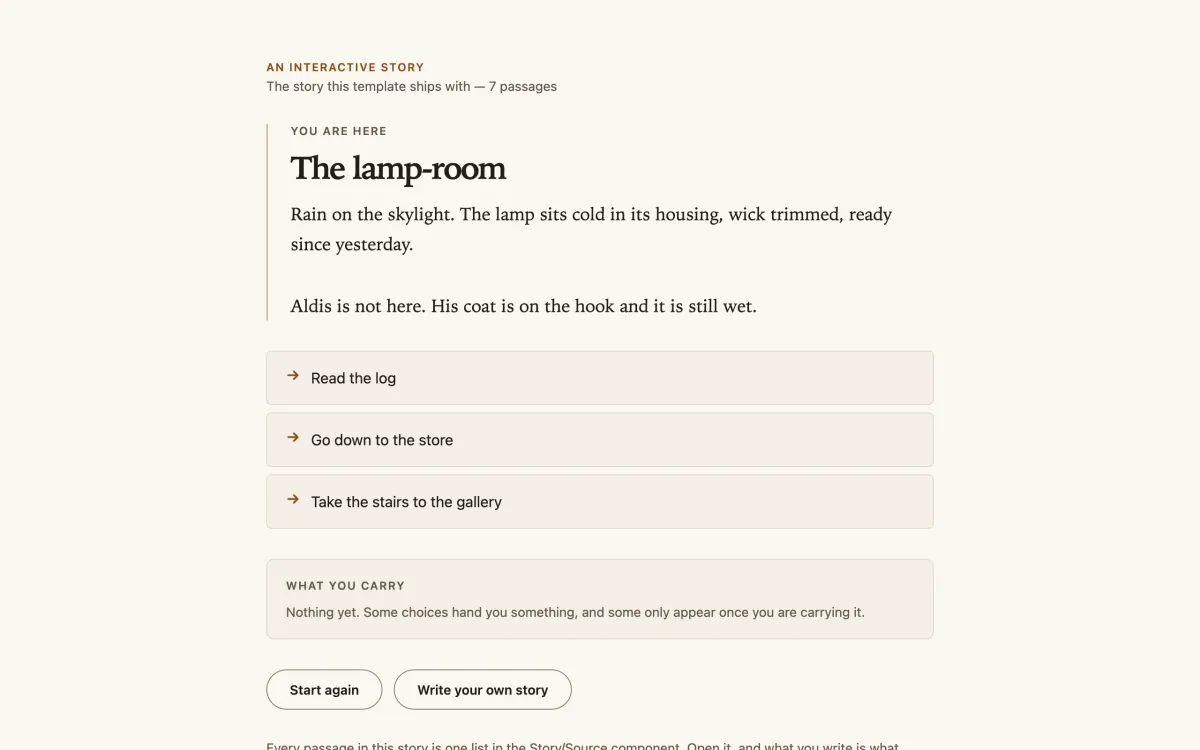
Story engine
A branching story where choices hand you things, and some only appear once you carry them. Paste your own story in and it plays straight away.
Read the demo →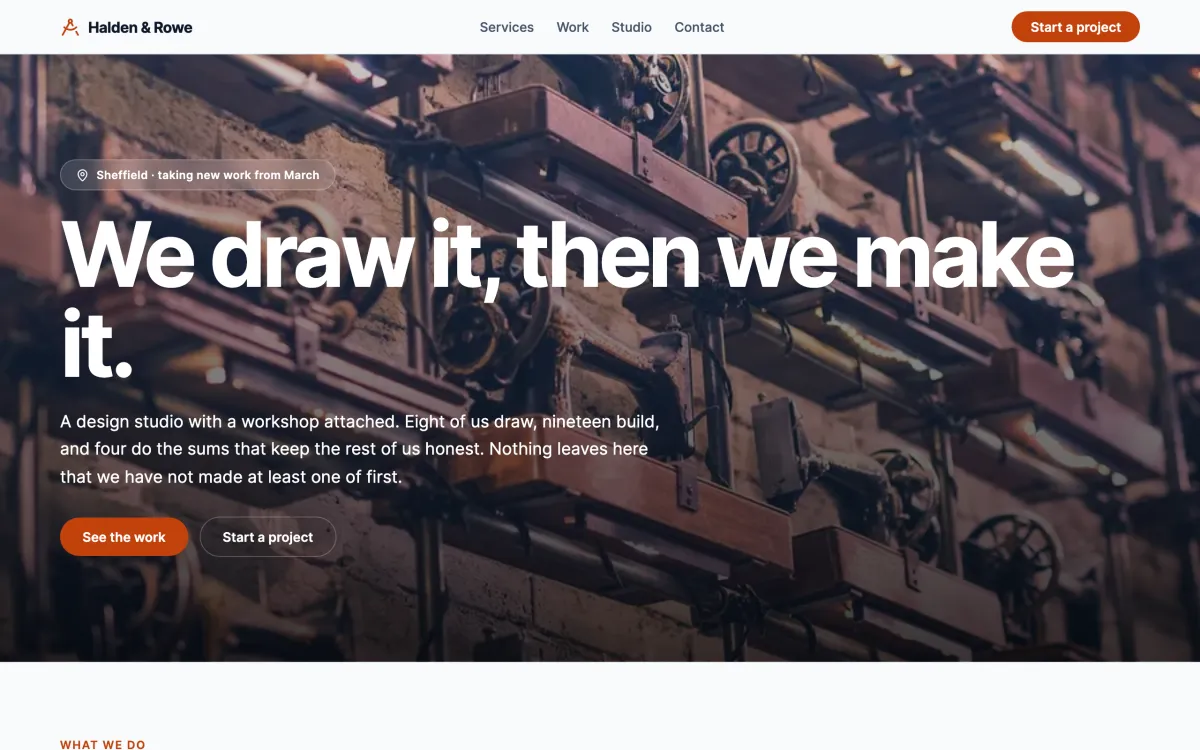
A business landing page
One of the three pages in the landing-pages template: a header that follows you, links that scroll to their section, and no backend at all.
Open the demo →Make it yours Every demo is a template. Download NodeGX, open the launcher’s Templates tab and pick the one you just used — the whole app lands on your machine as a project, every node and wire of it, ready to change. The one exception is Digital Bricks Training: its template needs a backend of its own and is not on the shelf yet.
Download NodeGXIn the works · your own editor
Rewire a running app in 3D
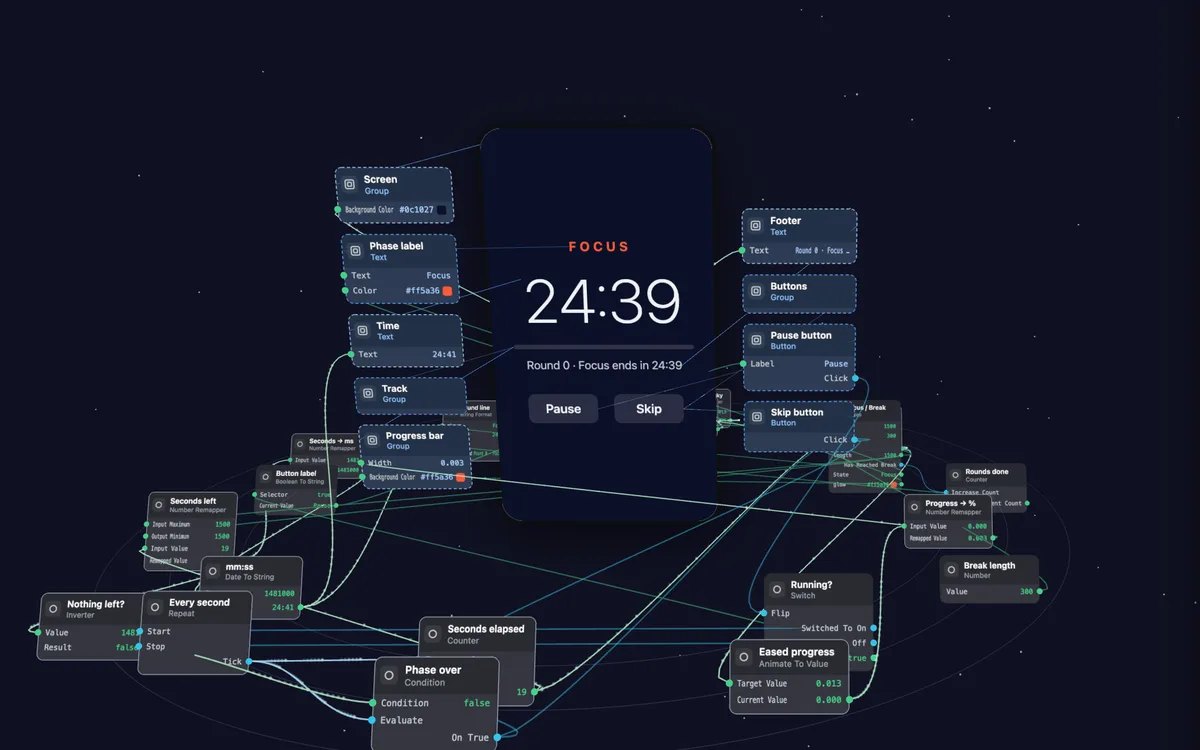
Orbit is a focus timer made of NodeGX nodes. Open it and you see its nodes and wires as the NodeGX editor draws them. A button at the top lifts the nodes into 3D around the running timer.
Orbit
Press the timer’s buttons, add nodes and drag new wires. Three missions ask you to change how the timer behaves. Press Check and your version runs in a second copy of the app to see whether it works.
The editor around Orbit isn’t the NodeGX app. Claude Code built it as one web page. It runs on the same engine and project files as NodeGX.
Open Orbit →You can now install the packages Orbit was built from with npm. Soon your own AI coding assistant will be able to build you an editor like it.
Code export · alpha
No lock-in: your app leaves as code
When you want out, NodeGX writes your project as a plain React app — Vite, TypeScript and React Router — that talks to your deployed backend. It shows you what will and will not come across before it writes anything, and leaves a report naming anything it left out. Your app is never stuck inside the tool you drew it in.
Code export is in alpha. Explore the code and build on it, but do not ship a production app from it yet.
Download · public alpha
Download NodeGX
NodeGX is in public alpha: it builds real apps, and it still has rough edges. The changelog lists what changed in every release and what is known to be broken.
NodeGX now opens the apps your agent makes with npm create nodegx. Functions
can share code through script files. Every node has a How this node works window that
explains it and lets you try it. The backend can keep new kinds of rule, such as a field only
some people can read.
What changed in 0.4.0 0.4.0 on GitHub All releases Linux .deb Linux .rpm
Updating from 0.3? The first time 0.4.0 opens a 0.3.0 project, it saves a copy
beside it called <project>.before-0.4. Keep it until you’re happy
with the updated project, because it’s the only one 0.3.0 can still open.
macOS is signed and notarised — no Gatekeeper workaround needed. Windows is not code-signed yet, so SmartScreen warns on first run: More info → Run anyway. Linux builds are unsigned, as is normal for Linux desktop distribution, and have no in-app updater.
Community
Somewhere to ask, and somewhere to learn
You do not need an account to read any of these, and NodeGX works fully without one.
The community
Questions and answers that stay findable, a chat room, tutorials, and regular video meet-ups with replays of the ones you missed.
learn.nodegx.ioThe NodeGX Guide
How to build apps with NodeGX and an AI assistant, from the first step, in an easy or an advanced version. Nine guided lessons also ship inside the app.
DiscordThe Discord server
The quicker, looser conversation: show what you are building, ask a quick question, and hear what is coming next.
GitHub — source and bug reports YouTube — walkthroughs Docs — node reference Changelog
Mailing list
Hear about important updates
An email when there is important news about NodeGX, or a release you should know about. Not every release, and nothing else.